
Plugins used
- Other5 built in
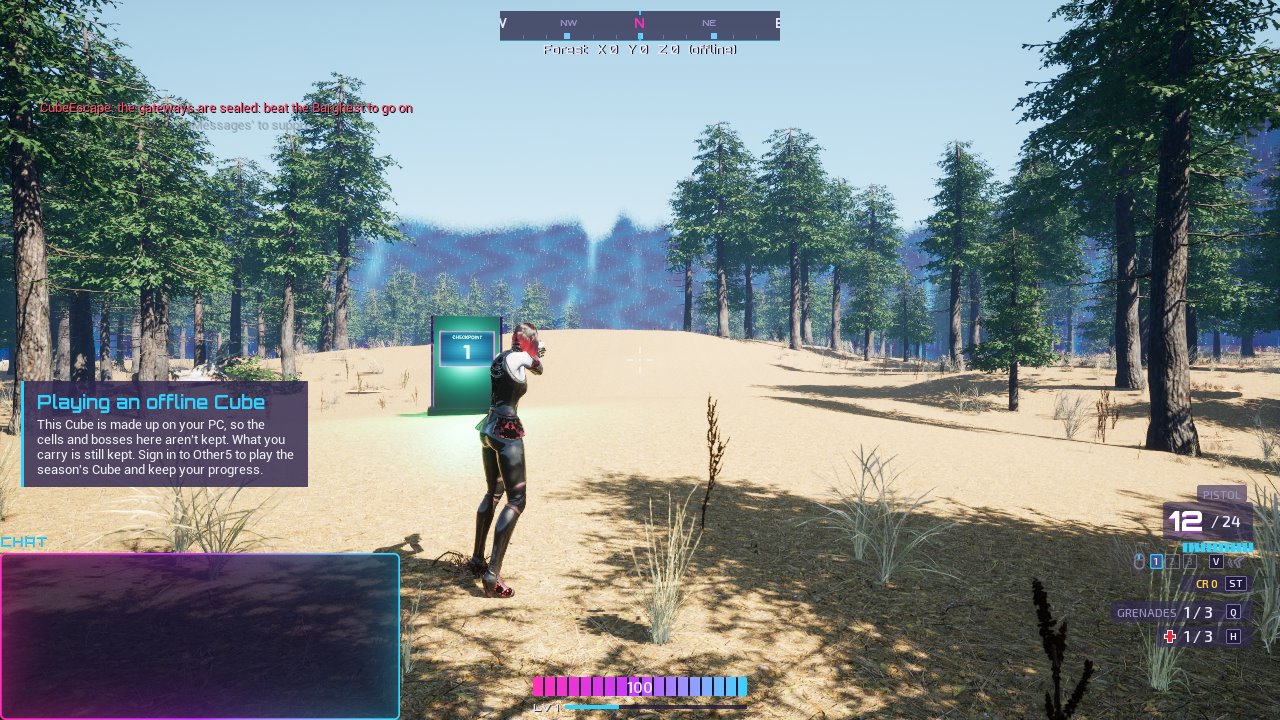
1. Show a tip
Call Show Tip from any Blueprint:
- Tutorial: a name that's unique to this tip. Once seen, a tip with that name never shows again.
- Title and Body: what it says. Keep it to two or three lines.
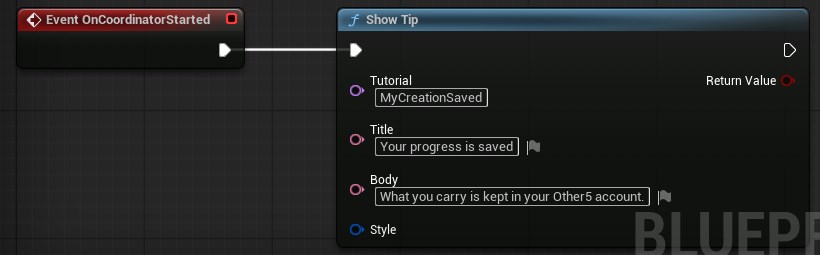
Tips that come while one is on screen wait their turn. Each stays up for a while, then fades.
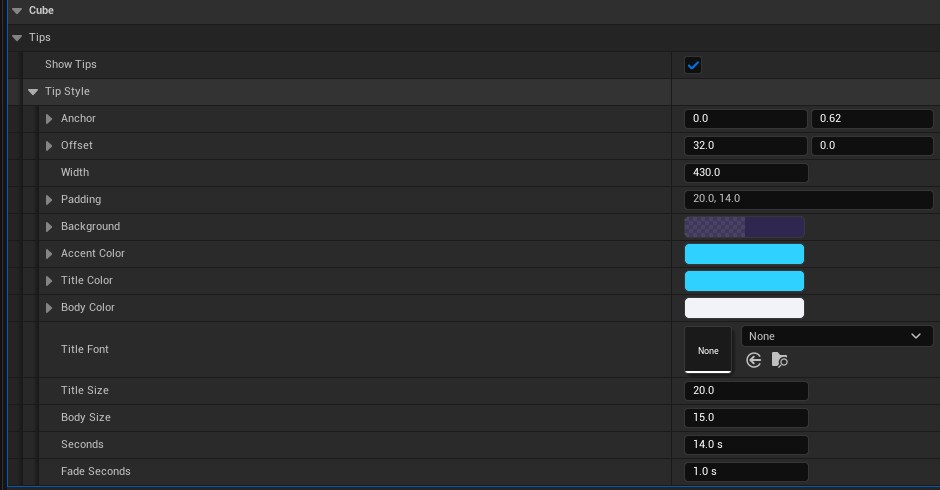
2. Make it look like your game
Split or connect the Style pin to an Other5 Tip Style. Leave it empty for the default look.
Good to know
- Tips only show on players' screens, never on a dedicated server, so call Show Tip where the player's own game runs it.
- Players can see every tip again with Show tutorials again in Settings.