
From idea to playing with friends
Unreal Engine 5 is amazing, but sharing a multiplayer game usually means code, compiling and servers. Other5 takes care of all that.
Join a game in minutes
Register
Make a free Other5 account.
Get the launcher
Sign in, open your dashboard and download the Other5 launcher for Windows or Mac.
Pick a server
Sign in to the launcher and choose a server from the list.
Play
Click Join. The launcher downloads the game and that server's Creation for you.
Make your own Creation
A Creation is your map plus its gameplay, packed up so anyone can play it.

Open the Other5 Creator
Install Unreal Engine 5.8 from the free Epic Games Launcher. The Other5 launcher downloads the Creator, a ready-made Unreal project that opens straight away. Nothing to compile.
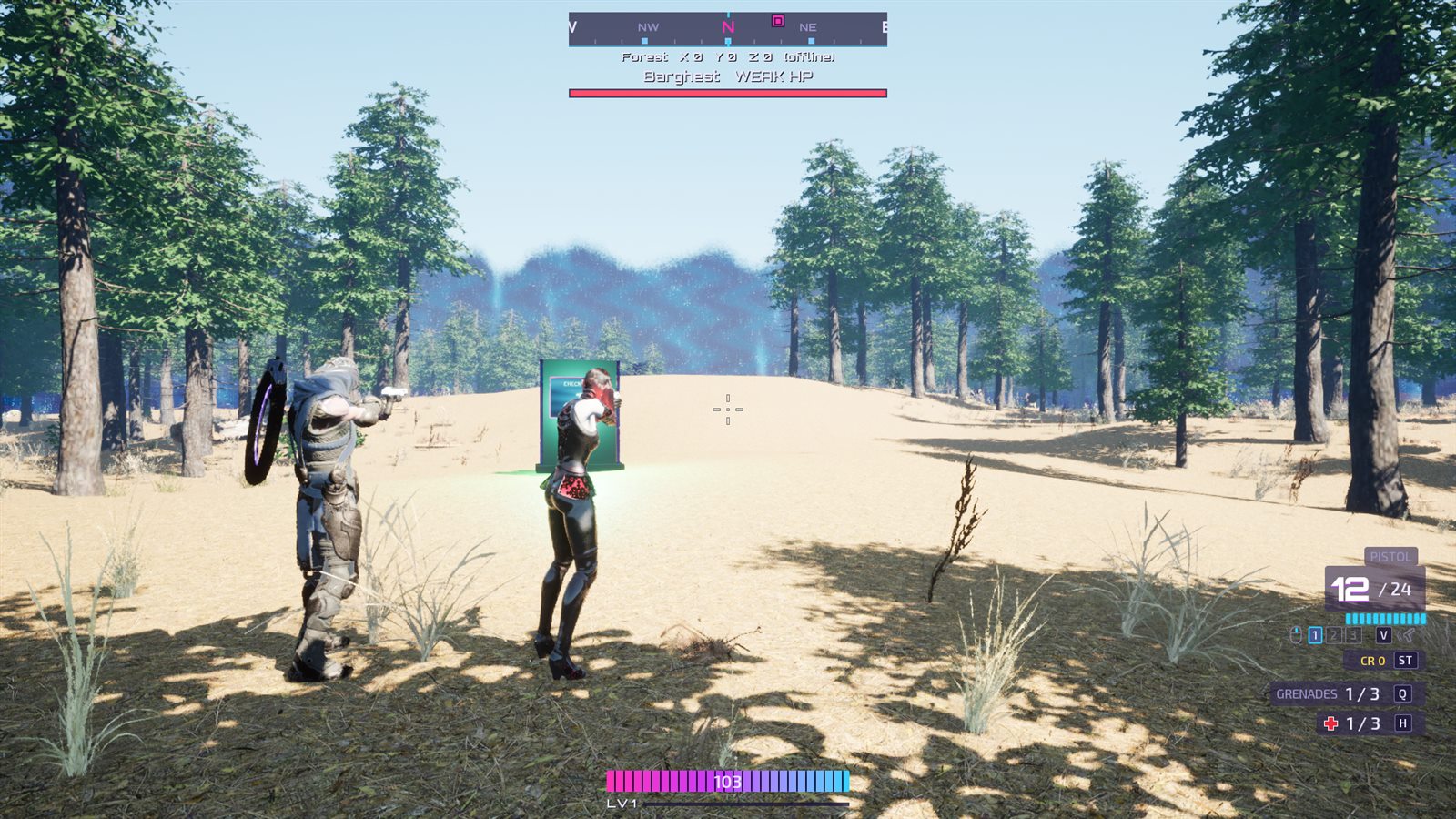
Build your world
Sculpt a landscape, place buildings, paint forests. Add gameplay by dropping in Other5 plugins: weapons, health, enemies, loot, a compass and more.
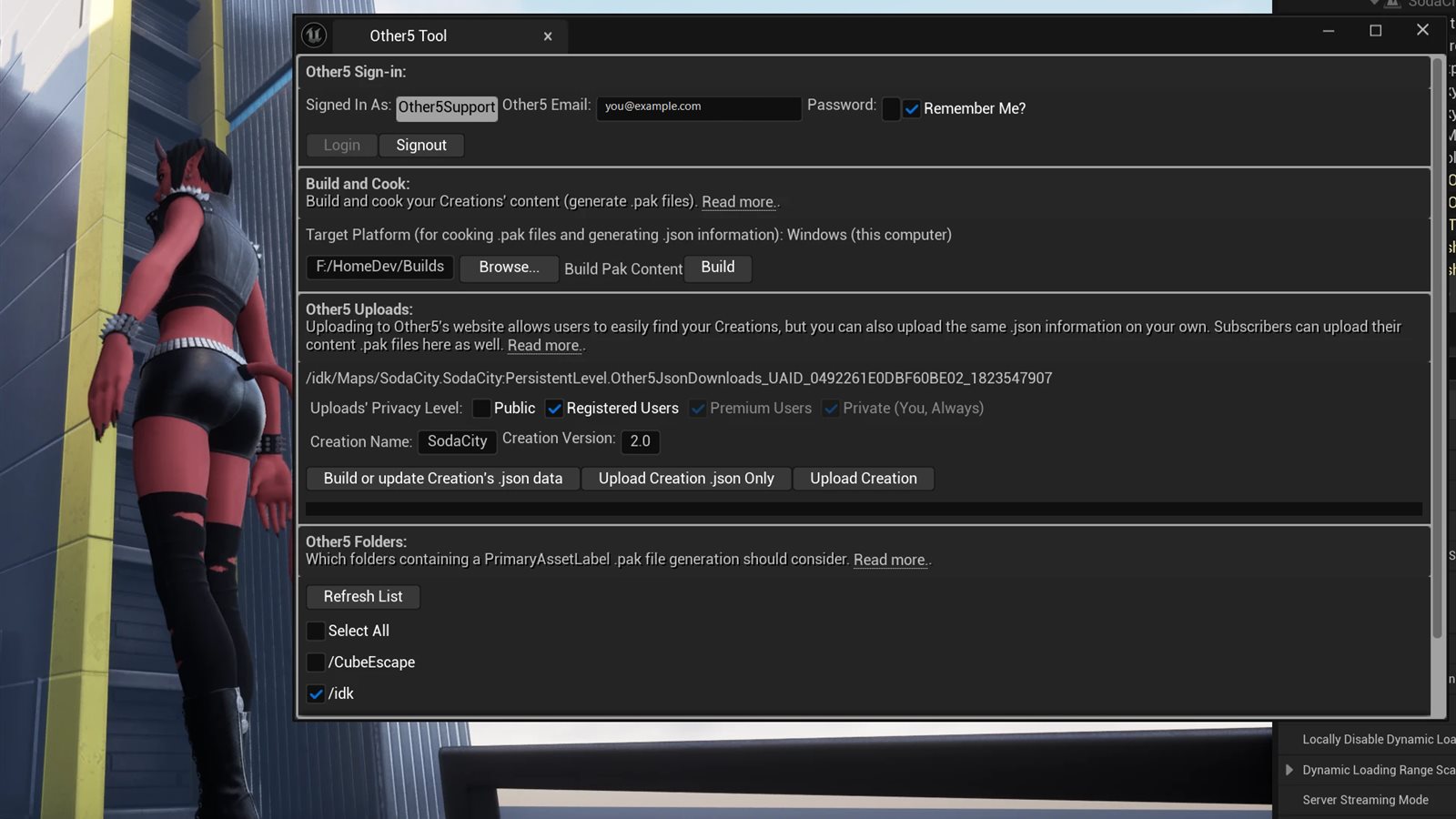
Share it in one click
The Other5 Tool inside the editor packs your map and its plugins into a Creation and uploads it to your Other5 account. Changed something? Upload again and only the changes are sent.
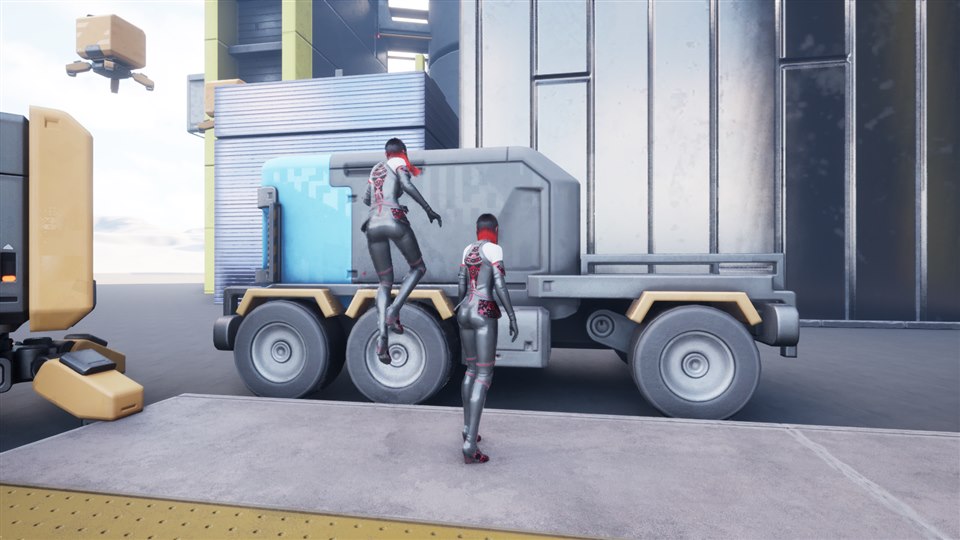
Host it and play together
Start a server running your Creation from the launcher. Friends see it in their server list and join. Their game downloads your Creation automatically, so everyone is always on the same version.
- Add a password to keep it private
- Up to the number of players you choose
Questions and answers
Do I need to know how to code?
No. The Other5 Creator comes ready to go, so there's no C++, no Visual Studio and nothing to compile. You build with Unreal's editor and Blueprints if you want them.
What do I need to start building?
A computer that can run Unreal Engine 5, the free Unreal Engine 5.8 from the Epic Games Launcher, and the Other5 launcher, which downloads the Creator for you.
I just want to play. Do I need Unreal Engine?
No. Players only need the Other5 launcher. It downloads the game and any Creation a server is running.
Which computers does it run on?
The launcher runs on 64-bit Windows and on Apple silicon Macs.
Is it free?
Making an account, downloading and playing are free. Storing your own Creations on Other5 is a perk for our Patreon supporters.
Where do the servers run?
On your own computer, started from the launcher. Your friends find it in the launcher's server list.
Can I make my own gameplay plugins?
Yes. Plugins you make go into your Creation just like ours, and you can share them with everyone.
Get started in four steps
It's free to join. The Other5 launcher installs everything else for you, on Windows or Mac.
- RegisterMake a free account
- Sign inUse your new account here
- DashboardYour Other5 home page
- DownloadGet the Other5 launcher