
Plugins used
- Other5Combat install
- Other5Characters install, Other5Combat needs it
- Other5 built in
Install them from the launcher's CREATE page. What each plugin provides
How a hit works
Every Other5 damage effect runs Other5 Damage Execution:
damage x (1 + shooter's Weapon Damage %) x target's multiplier for the hit's type
A hit's type is a gameplay tag: Damage.Type.Standard (ST), Damage.Type.ArmorPiercing (AP) or Damage.Type.HollowPoint (HP). Guns fire the type of the player's ammo, or Standard if they have none.
1. Give an enemy a weakness
- Open your enemy Blueprint (child of Other5 Enemy) and click Class Defaults.
- Under Combat > Damage Types, set Weakness to a type.
- Weakness Bonus 1.0 means +100% (double damage). Use 0.5 for +50%.
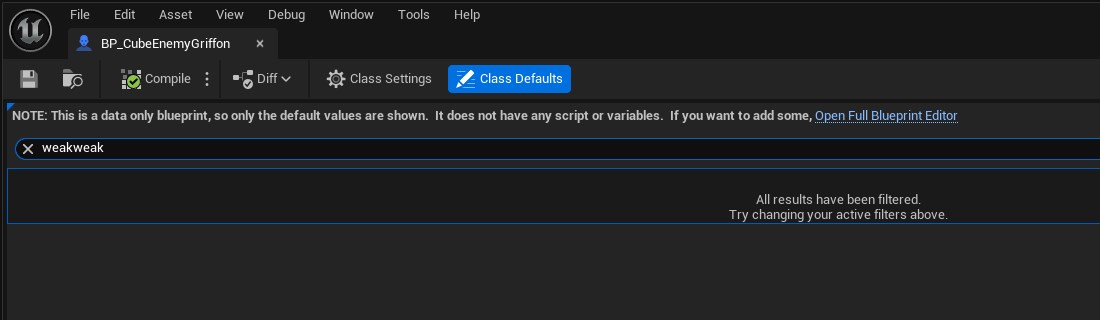
- Random Weaknesses: list several types and each enemy picks one when it spawns.
- Damage Type Multipliers: any other type's factor. 0.5 resists it, 0 is immune.
- Players see "WEAK HP" over the enemy's health bar once they hit it.
2. Make an ammo type
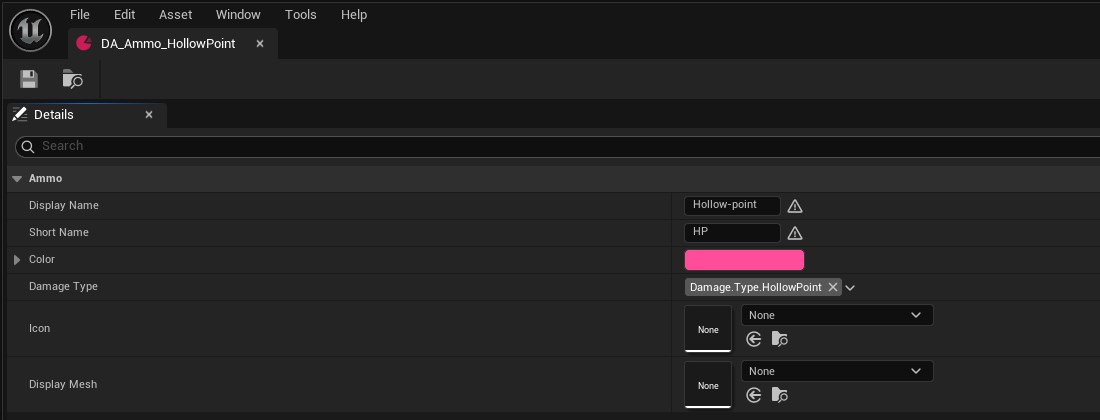
- Content Browser: Add > Miscellaneous > Data Asset, class Other5 Ammo Type.
- Set a name, a short name for the HUD, a colour and its Damage Type.
3. Give it to players
- Sell it in a shop, or drop it as a pickup with Ammo Type set (see Loot and shops).
- From a Blueprint: get the player's Other5 Inventory Component and call Set Ammo Type (on the server).
- A player carries one ammo type at a time, for every gun, and loses it when they die.
Going further
- Your own rule: override Get Damage Taken Multiplier in an enemy Blueprint, for example double damage while it's stunned.
- Your own damage effect: a GameplayEffect with the Other5 Damage Execution and a SetByCaller.Damage magnitude. Add a Damage.Type asset tag to make every hit that type, then set it as a weapon's Damage Effect.
- Damage buffs: any effect that raises the Weapon Damage attribute (percent) makes gun hits stronger.