
Plugins are optional; step 6 shows how to add them. What each plugin provides
1. Make an Other5 account
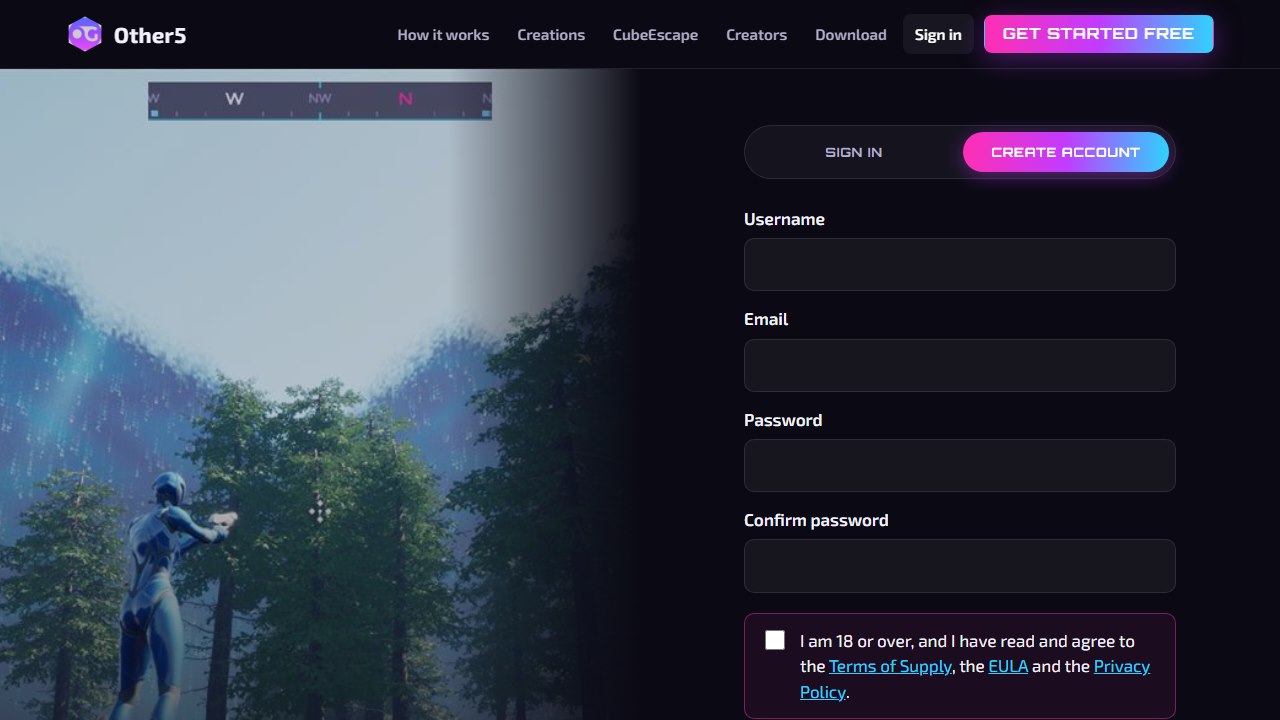
Click Get started free. Pick a username, enter your email and a password, tick the box and click Create account. It's free.
2. Download the Other5 launcher
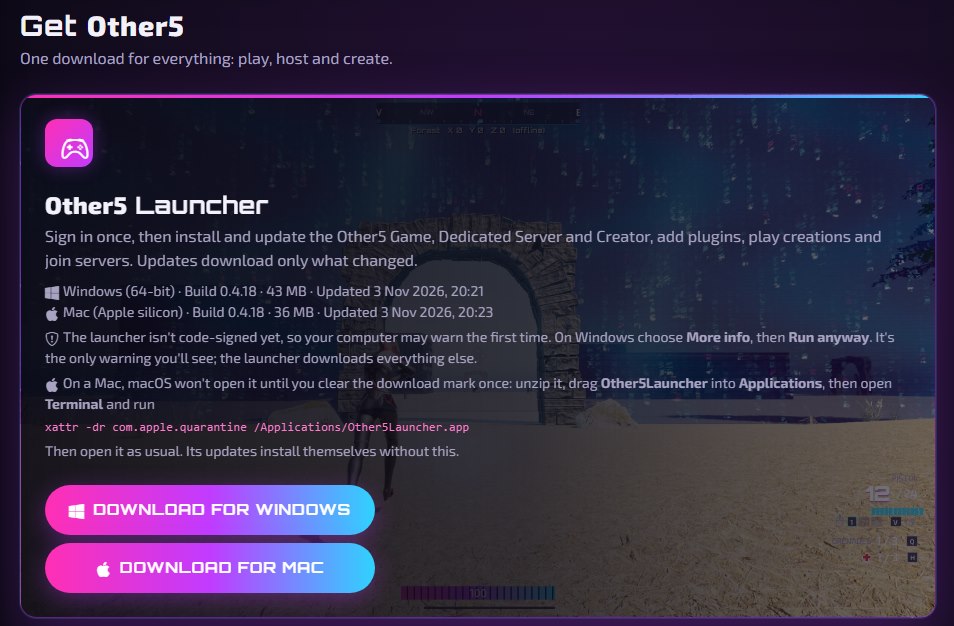
Signed in, you land on your Dashboard. Under Get Other5, click Download for Windows (or for Mac) and run it. The Windows launcher isn't code-signed yet, so Windows may warn you once: choose More info, then Run anyway. On a Mac, drag it into Applications and open it. Sign in to the launcher with the same account.
3. Install Unreal Engine 5.8
Get the free Epic Games Launcher and sign in. Go to Unreal Engine > Library, click + next to Engine Versions, pick 5.8 (5.8.4 as of this writing) and click Install. It's a big download, so start it early.
4. Download the Creator
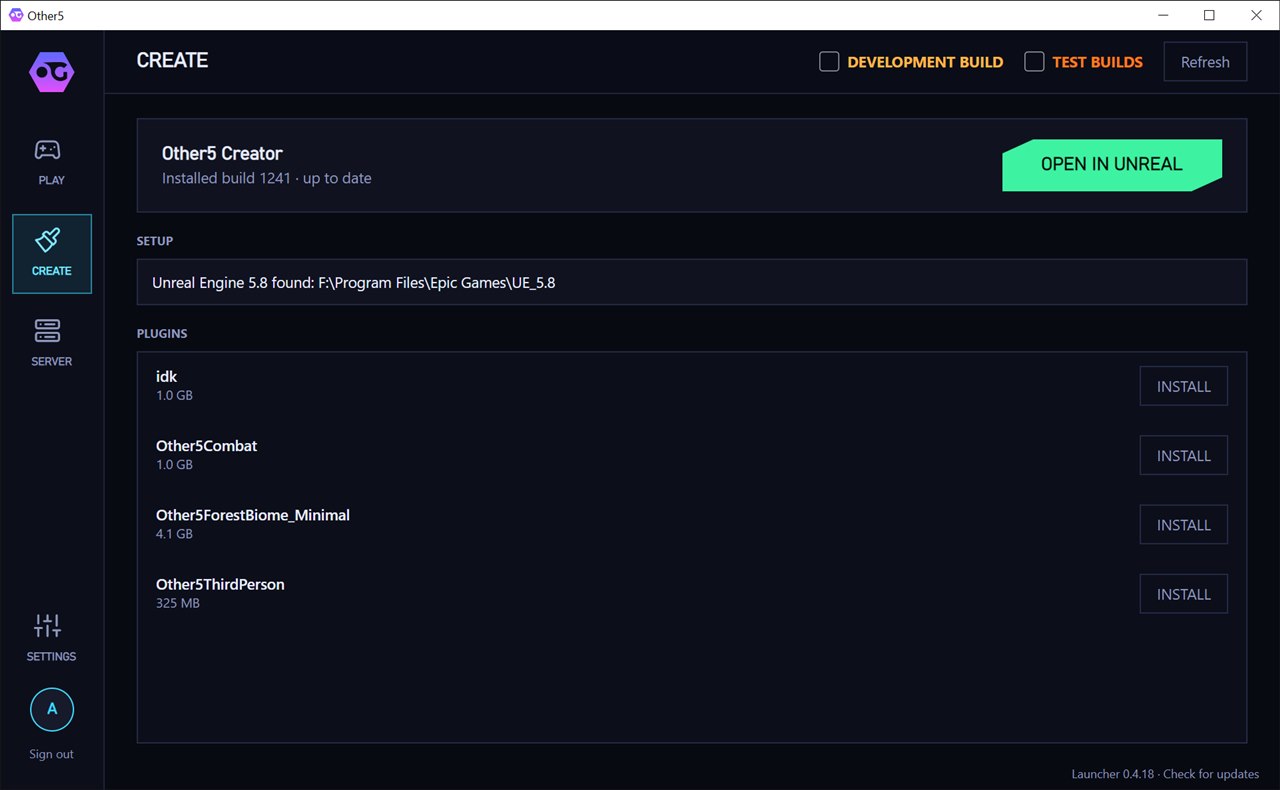
In the Other5 launcher, open CREATE and click DOWNLOAD on the Other5 Creator. When it's done, the Setup line says it found Unreal Engine 5.8. If it doesn't, finish step 3 first.
5. Open it in Unreal
Click OPEN IN UNREAL. The first open takes a few minutes while Unreal prepares shaders. The launcher keeps the Creator up to date, so always open it from there.
The project itself is Other5.uproject under Builds\Creator in your
Other5 folder (Settings in the launcher shows where), if you ever want to open it by hand.
6. Add plugins (optional)
Plugins add ready-made gameplay and worlds: combat, a third-person character, a forest and more. On the
launcher's CREATE page, click INSTALL next to one, then reopen Unreal. They're also on your
Dashboard under Other downloads > Optional plugins, as zips to unzip into the Creator's
Plugins folder. Some plugins need others: What the plugins provide
shows what's in each one and what to install with it.
Next
- See what a finished Creation looks like: How it works.
- Make and share your first map: Your first Creation.
- Let players change your controls: Remappable controls.